 Download Windows version
 Windows
 macOS
macOS Android
 Linux
LinuxSystem Requirements
 Windows 10 or higher
- It is recommended to use a 64-bit system
- Requires an available network connection


Potato Chat for Windows
Quickly send and receive messages, files, and make high-definition calls on your Windows computer, and chat history can be synchronized with other devices.
Current versionV2.47.200329View history ›Free downloadSecure encryptionMulti-terminal synchronization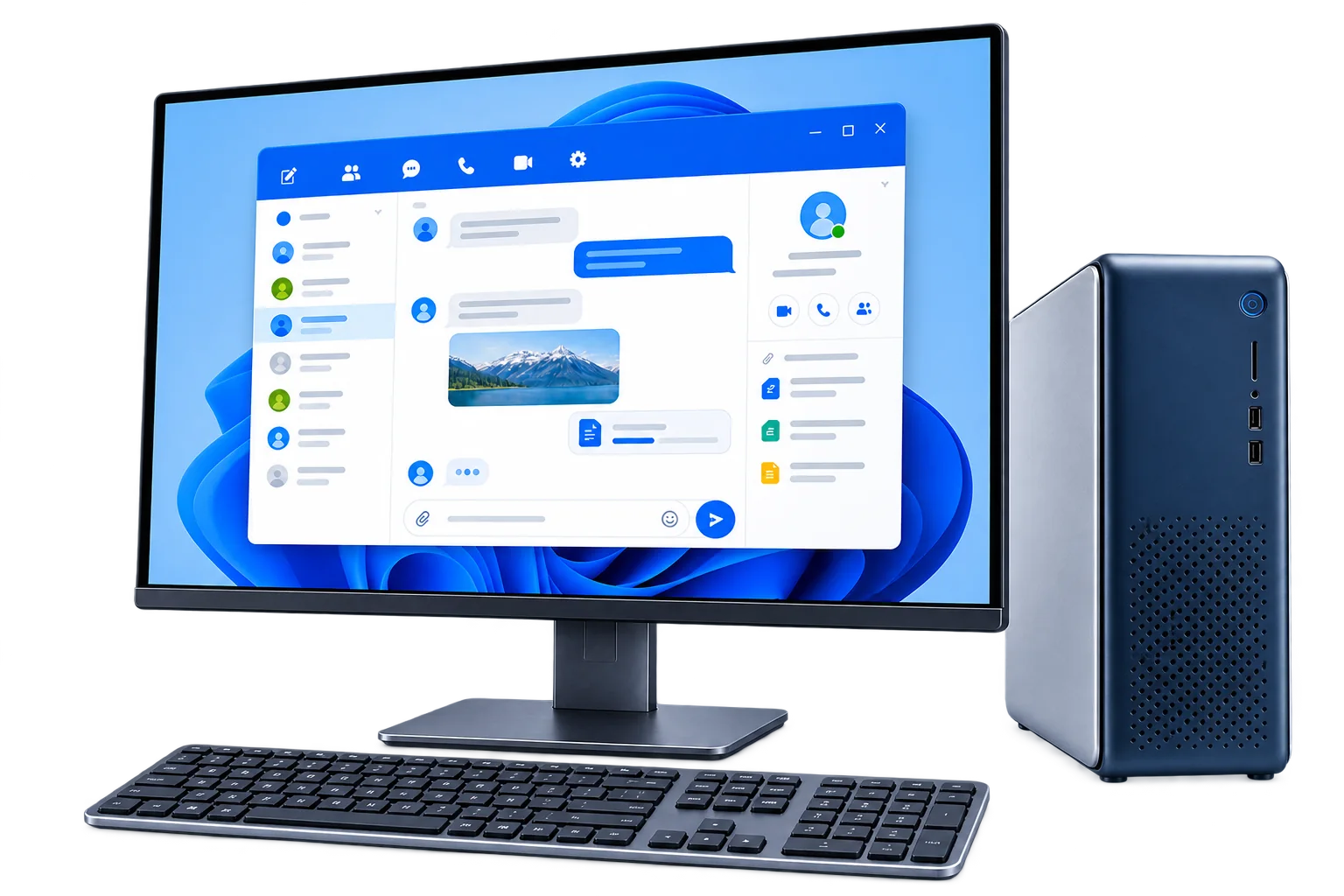
Other devices
Get started
Start using Potato Chat on your computer in just a few steps.
Windows 10 or higherIt is recommended to use a 64-bit systemRequires an available network connectionClick the button above to save the official installation file.
Extract the downloaded file and run Potato Chat.
Log in to your account to synchronize messages and start chatting.
Windows Help
FAQs about downloading, unzipping, installing and updating for Windows.
It is recommended to use Windows 10 or higher and 64-bit system, and keep the system patch and network environment normal.
After the download is complete, first decompress the compressed package into a separate folder, and then start the client from the decompressed directory. Do not run directly in the archive preview window.
Please confirm that the file comes from the download address on this page and check the file name. If the system still prompts you for a risk, you can check "More Information" and decide whether to run it; do not continue if you cannot confirm the source.
You can synchronize cloud chat after logging in with the same account. Secret chats are tied to the device on which they were created and are not synced to Windows.
Use the client update prompt first; you can also re-download the latest version from this page. Please exit the old client before updating to avoid files being occupied.