 Download macOS version
 Windows
 macOS
macOS Android
 Linux
LinuxSystem Requirements
 Supports common macOS desktop systems
- It is recommended to keep the system updated
- Requires an available network connection


Potato Chat for macOS
Optimized for the Mac desktop experience, allowing messages, files, and HD calls to flow seamlessly between computers and mobile devices.
Current versionV2.47.200505View history ›Free downloadSecure encryptionMulti-terminal synchronization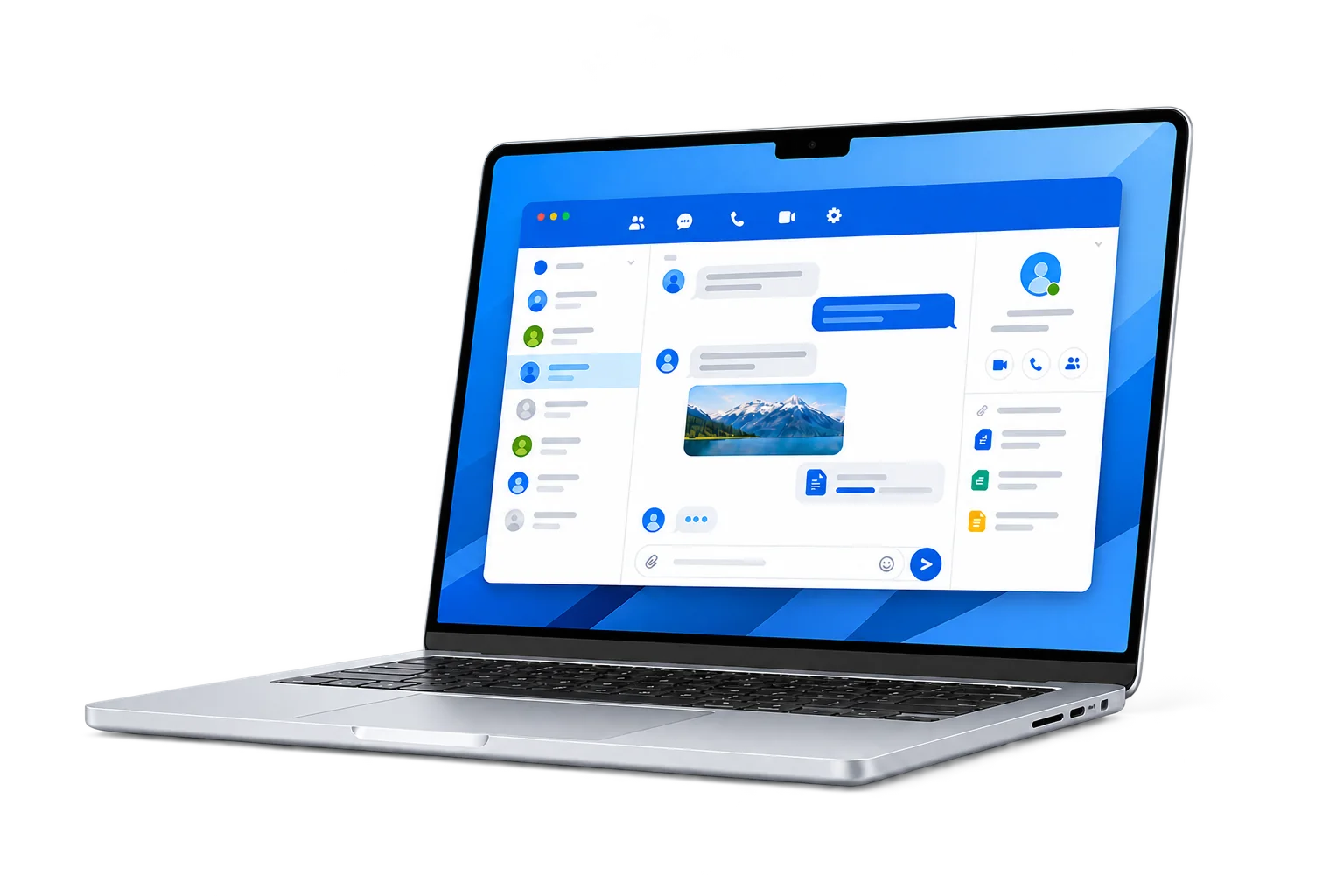
Other devices
Get started
After downloading the installation package, add Potato Chat to your application.
Supports common macOS desktop systemsIt is recommended to keep the system updatedRequires an available network connectionClick the button above to download the official macOS installation package.
Open the installation package and drag Potato Chat into the application.
Launch the client from the application and log in to the account.
macOS Help
FAQs about Mac downloads, DMG installations, system permissions, and updates.
Open the downloaded DMG file, drag Potato Chat into the Applications folder, and launch it from the Finder application.
First confirm that the installation package comes from the download address on this page. You can then view the blocked apps in "System Settings—Privacy and Security" and follow the system prompts to decide whether to allow them to be opened.
The compatibility range of different versions may change, please refer to the download package and client prompts. If the installation fails, please confirm the Mac model, macOS version and installation package architecture.
Go to macOS "System Settings - Privacy & Security" and check Potato Chat's notification, microphone, camera and file access permissions.
Follow the client update prompts first; you can also re-download the latest DMG and replace the old version in "Applications".