 Download Android version
 Windows
 macOS
macOS Android
 Linux
LinuxUsage requirements
 Android 6.0 or higher
- It is recommended to reserve sufficient storage space
- Requires an available network connection


Potato Chat for Android
A secure messaging experience built for Android phones and tablets to quickly chat, share files and sync with your desktop.
Current versionV2.45.200103View history ›Free downloadSecure encryptionMobile phones and tablets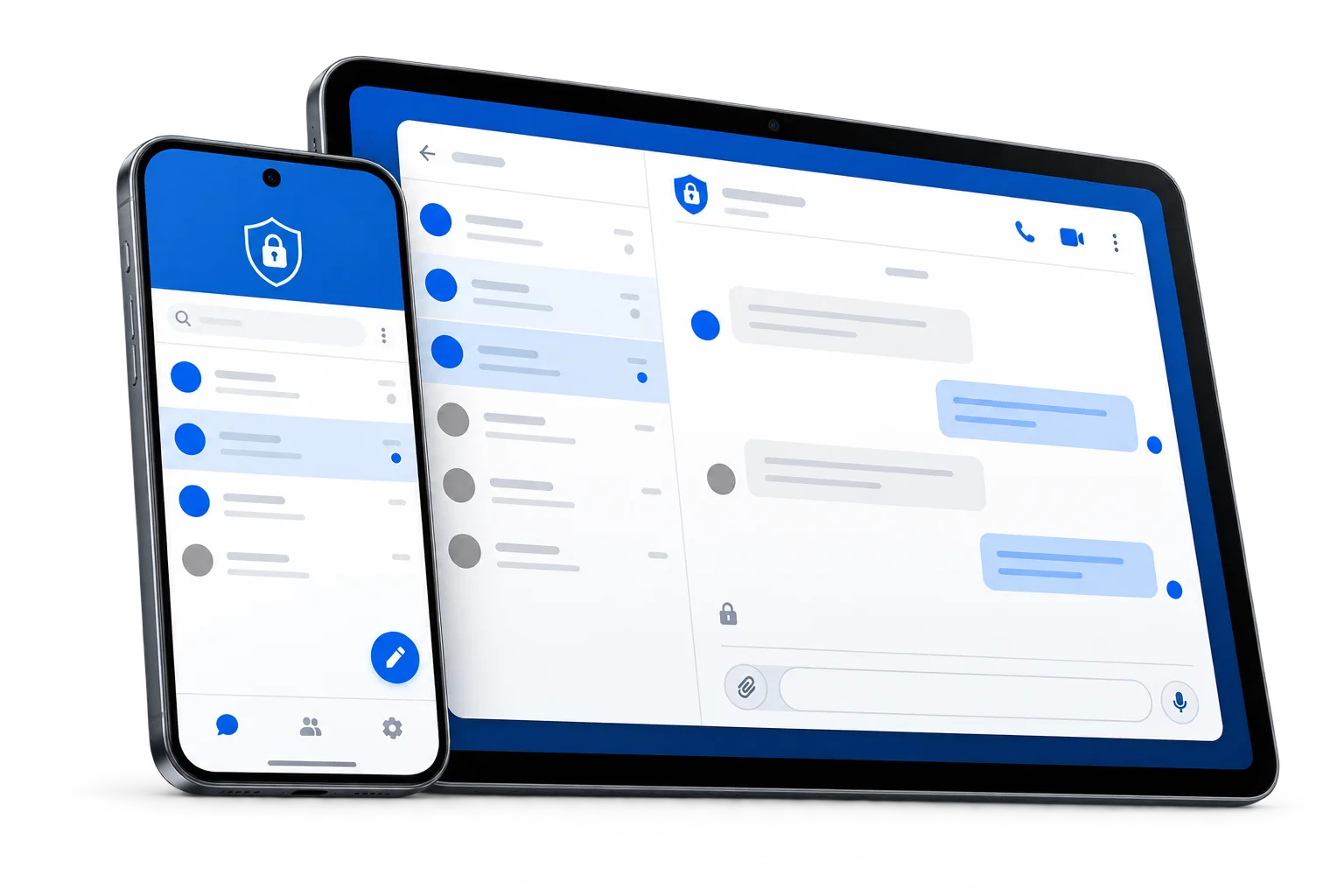
Other devices
Get started
Go to the official download portal and complete the installation according to the device prompts.
Android 6.0 or higherIt is recommended to reserve sufficient storage spaceRequires an available network connectionClick the button above to open the official Android download entrance.
Download and complete the installation according to the prompts on the device page.
Open Potato Chat, log in to your account and sync messages.
Android Help
FAQs about APK downloads, installation permissions, system compatibility and updates.
It is recommended to use Android 6.0 or higher for the current page and reserve enough installation and cache space.
Open the downloaded APK and follow the system prompts to allow the current browser or file manager to "install unknown applications". After the installation is completed, you can turn off this temporary permission.
Check whether the storage space, Android version and installation package are complete; if a version from other sources or with a different signature has been installed, please back up the necessary data first and confirm the upgrade method.
The QR code and download button point to the same APK address. Please switch the network or use the system browser to open it; do not download the installation package repeatedly from unknown mirrors.
Download the new APK through this page and overwrite the installation. There is no need to delete existing applications before updating unless the system explicitly prompts for signature or installation package conflicts.